Cisco 交换机 SSH 配置
Cisco 交换机 SSH 配置
- 工具
- Xshell6
- USB to 232
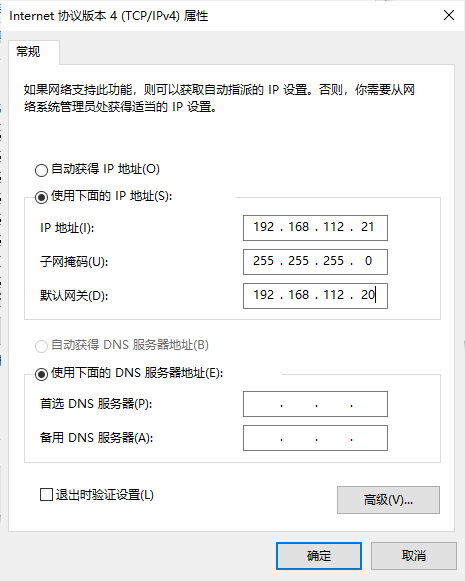
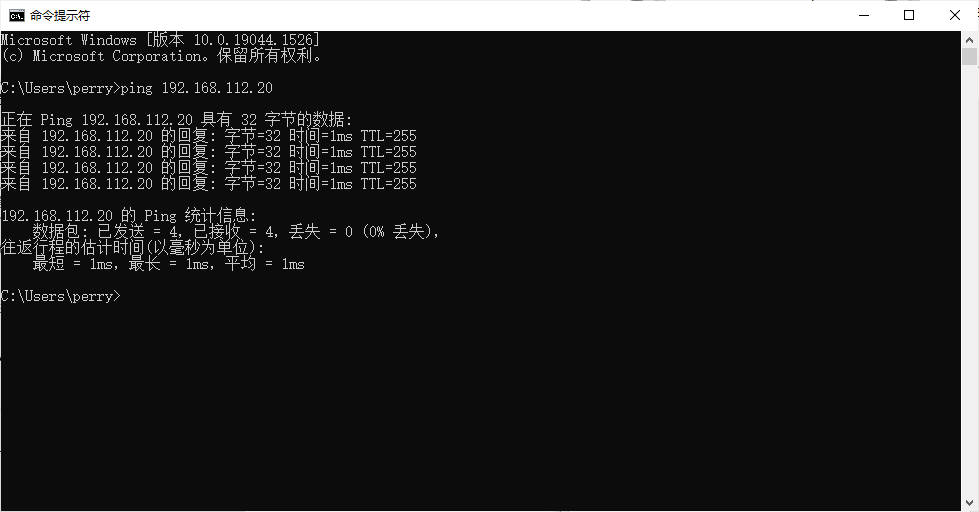
配置主机IP
Cisco交换机恢复出厂设置方法
1、电脑COM口通过console线连接到交换机console口,并打开超级终端调试窗口。 2、交换机接上电, 并按住“mode”按钮,直到sys灯不闪动为止松开“mode”按钮(也可以关注超级终端界面显示字符了就可以松开“mode”按钮),进入到交换机的底层模式switch:。 3、输入命令switch: flash_init 回车,初始化flash文件系统(该模式下,不支持命令的缩写)。 4、输入命令switch: dir flash: 回车,查看交换机配置文件(注意flash后面是有冒号的)。 5、输入命令switch: rename flash:config.text flash:config.bak回车,重命名交换机原始配置文件为config.bak,并使用命令switch: dir flash:查看文件名是否修改成功。 6、成功后,输入命令switch: boot,重启交换机。 7、在重启后清空当前配置和VLAN数据
Switch#erase startup-config
Switch#delete flash:vlan.dat
Switch#reload
最后当系统提示是否保存配置时,选择no
配置交换机
Switch>en
Switch#conf t
Enter configuration commands, one per line.  End with CNTL/Z.
Switch(config)#int vlan 1
Switch(config-if)#ip add 192.168.112.20 255.255.255.0
Switch(config-if)#no shut
Switch(config-if)#username admin password ccna
Switch(config)#line vty 0 15
Switch(config-line)#login local
Switch(config-line)#
*Mar  1 00:10:36.595: %LINK-3-UPDOWN: Interface FastEthernet0/18, changed state to up
*Mar  1 00:10:37.599: %LINEPROTO-5-UPDOWN: Line protocol on Interface FastEthernet0/18, changed state to up
*Mar  1 00:11:08.599: %LINEPROTO-5-UPDOWN: Line protocol on Interface Vlan1, changed state to up
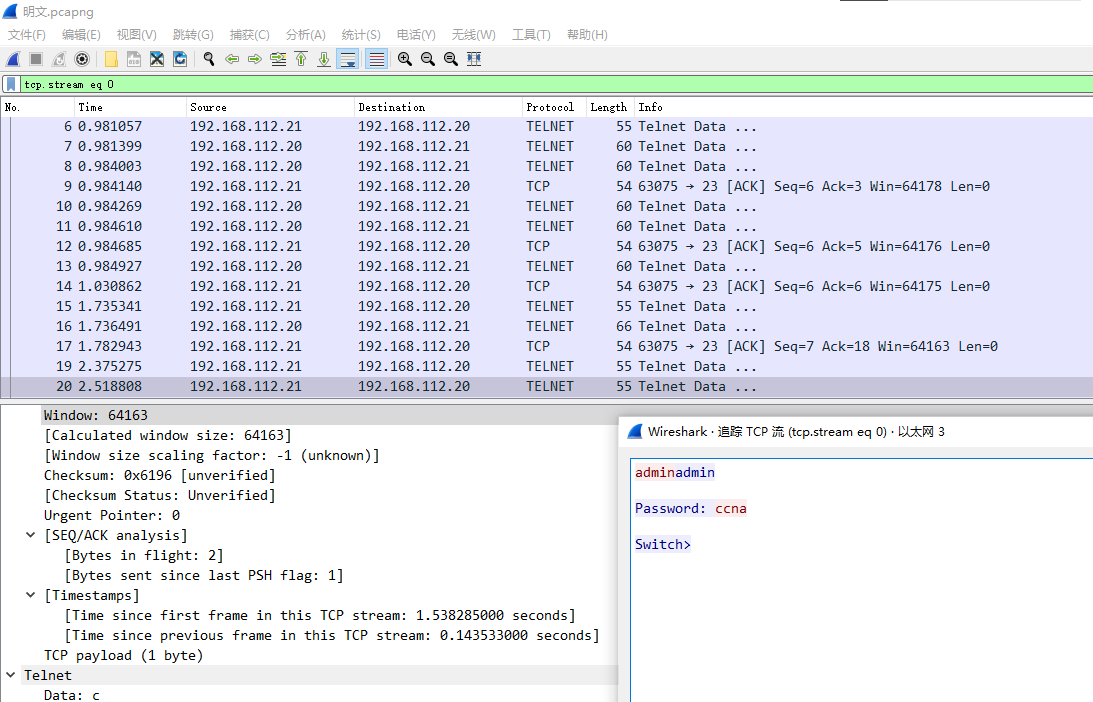
Telnet登录抓包测试
SSH配置
S1(config)#host S1
S1(config)#ip domain-name cisco.com
S1(config)#crypto key generate rsa
The name for the keys will be: S1.cisco.com
Choose the size of the key modulus in the range of 360 to 2048 for your
  General Purpose Keys. Choosing a key modulus greater than 512 may take
  a few minutes.

How many bits in the modulus [512]: 1024
% Generating 1024 bit RSA keys, keys will be non-exportable...[OK]

S1(config)#line vty 0 15
S1(config-line)#transport input ssh
S1(config-line)#login local
S1(config-line)#ip ssh version 2
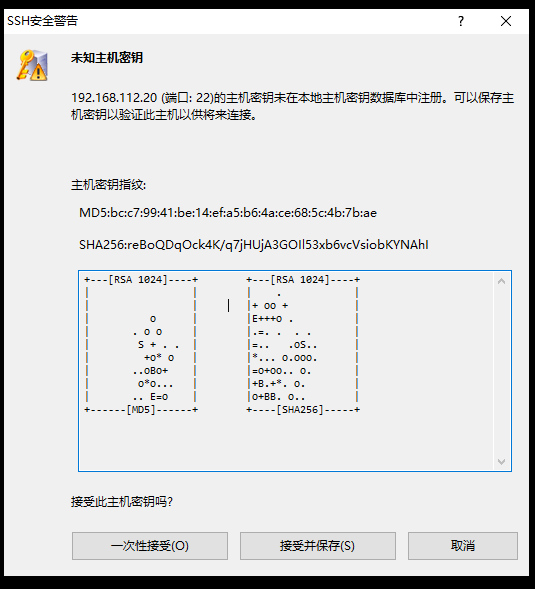
SSH连接
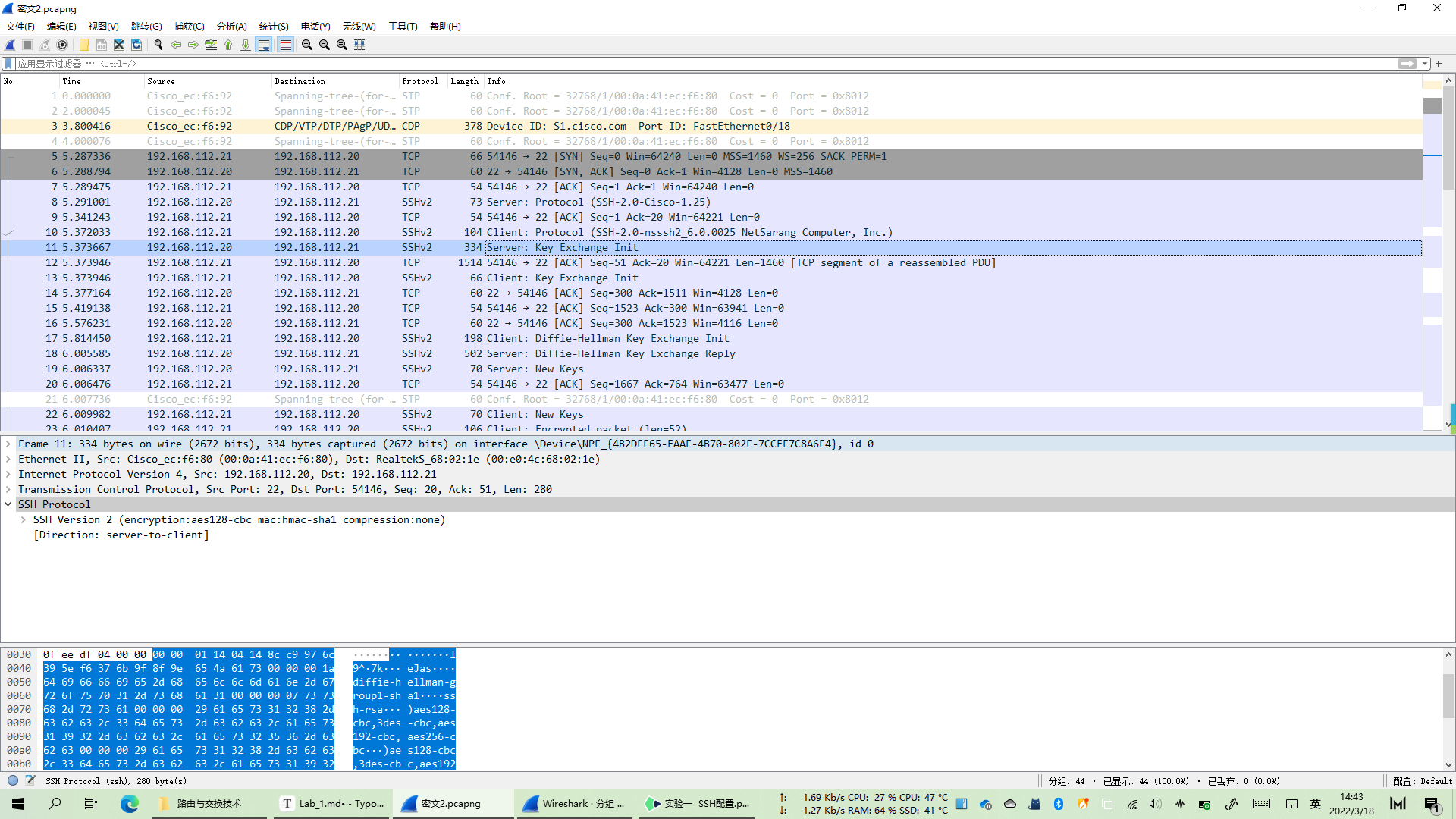
SSH登录抓包测试