VSCode 配置集成终端为 GitBash
VSCode 配置集成终端为 GitBash
settings.json 加入
{
	"terminal.integrated.profiles.windows": {
        "gitBash": {
          "path": "D:\\Program Files\\Git\\bin\\bash.exe",		//这里是的的bash路径
        }
  	},
  	"terminal.integrated.defaultProfile.windows": "gitBash"
}
文件->首选项->设置,打开设置
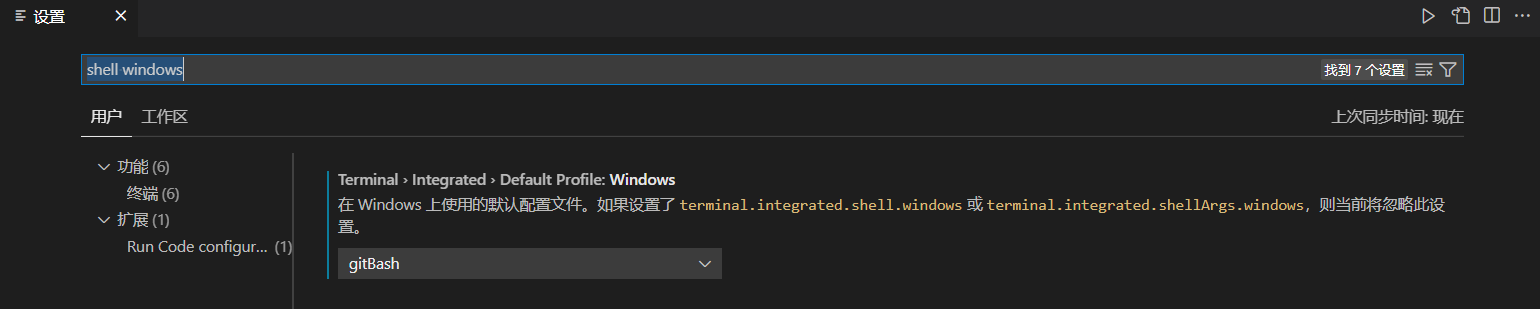
搜索
shell windows,设置gitBash